
TL;DR
You’re spending 2 hours getting mediocre outputs from ChatGPT. Your smarter coworker spends 15 minutes and gets gold.
The gap isn’t ChatGPT’s fault. You’re just asking it wrong. Master three moves—The Flipped Interaction, The Persona Override, and Chain of Thought—and you’ll get results that matter.
Or keep doing what you’re doing and wonder why your AI outputs are generic garbage.
Most people write AI prompts like they’re searching Google. They type “write me a sales email” and wonder why they get generic corporate nonsense back.
The difference between a shit prompt and a good one isn’t complicated. You just need to be specific about what you want. This guide breaks down exactly how to do that—the frameworks I use, the tricks that actually matter, and how to stop wasting time fighting with AI.
Why Your Prompts Probably Suck
Here’s what doesn’t work:
Bad Prompt:
“Write me a marketing email”
What You Get:
Generic bullshit that opens with “I hope this email finds you well” and closes with “looking forward to connecting.” Nobody reads that.
Good Prompt:
“Write a cold email to SaaS founders who just raised Series A. Goal is to book a 15-minute demo for our customer retention platform. Tone should be direct, not salesy. No fluffy intro—get to the value in the first sentence. Include a clear CTA with a Calendly link. Under 100 words.”
What You Get:
An email that sounds human and actually gets meetings booked.
The second one works because it tells the AI what to write, who it’s for, and how it should sound. That’s the whole thing.
The 4 Things Every Prompt Needs
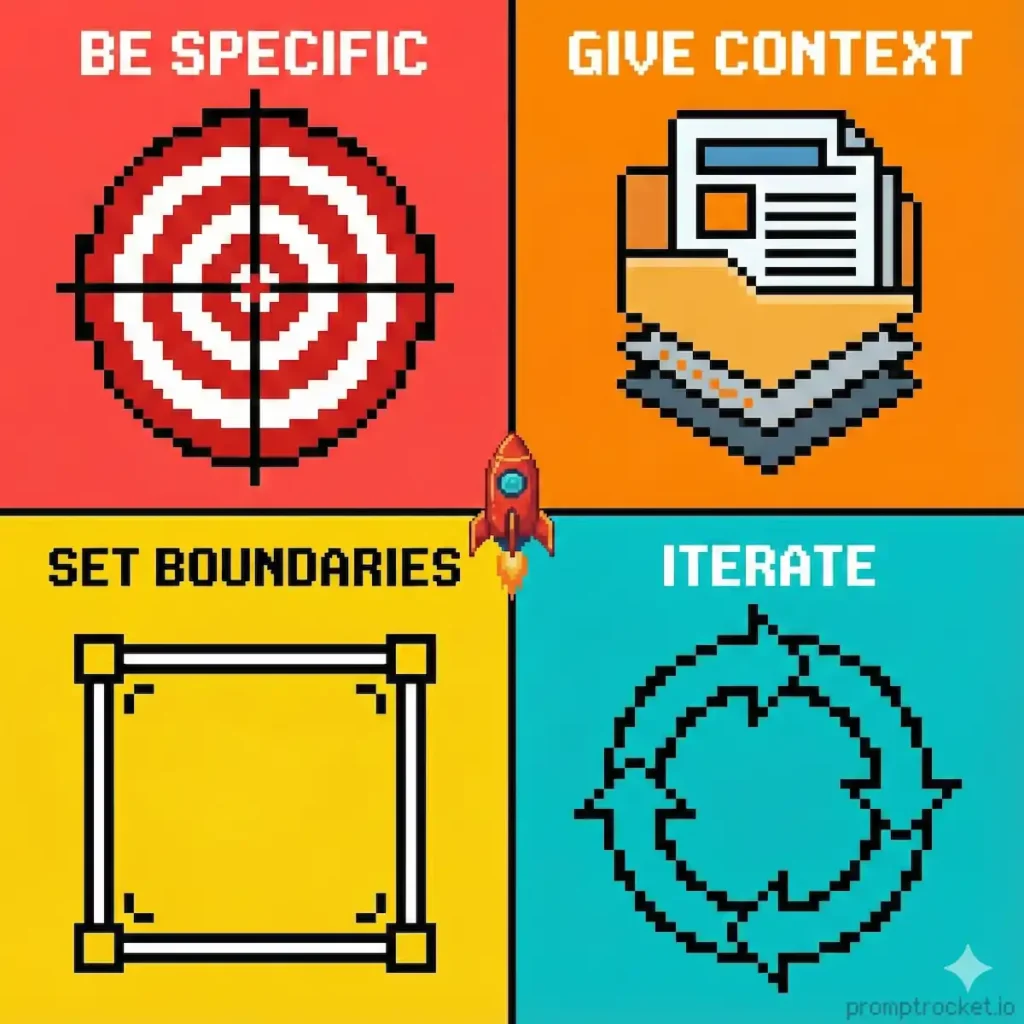
Stop guessing. Every prompt should have these:
1. What You Want (The Task)
Be specific. Don’t say “write a blog post.” Say “write a 1,200-word blog post explaining how B2B SaaS companies can reduce churn using customer health scores.”
Vague tasks get vague results. The AI needs to know what you’re asking for.
2. Why It Matters (The Context)
Give background. Who’s reading this? What problem are they dealing with? What’s the situation?
Example:
“This is for a LinkedIn post targeting marketing directors at mid-sized tech companies. They’re struggling with attribution and want proof that brand marketing actually drives revenue.”
Context helps the AI nail the tone and angle.
3. How You Want It (The Format)
Bullet points? Table? Paragraphs? Script? Just tell it.
Examples:
- “Output as a 5-step numbered list”
- “Format as a two-column comparison table”
- “Write this as a conversational script”
- “Give me 3 versions: short, medium, long”
You don’t want to spend 20 minutes reformatting. Make it output what you need.
4. How It Should Sound (The Tone)
AI defaults to boring corporate voice. Fix that.
Examples:
- “Tone: Casual, like you’re texting a friend”
- “Style: Direct, like a founder explaining their product”
- “Write like a journalist breaking down complex topics for busy people”
- “Sound confident but not arrogant”
You can also tell it to write like a specific person. “Write this like a Seth Godin blog post” or “Sound like Apple product copy.”
4 Frameworks That Work for Most Things
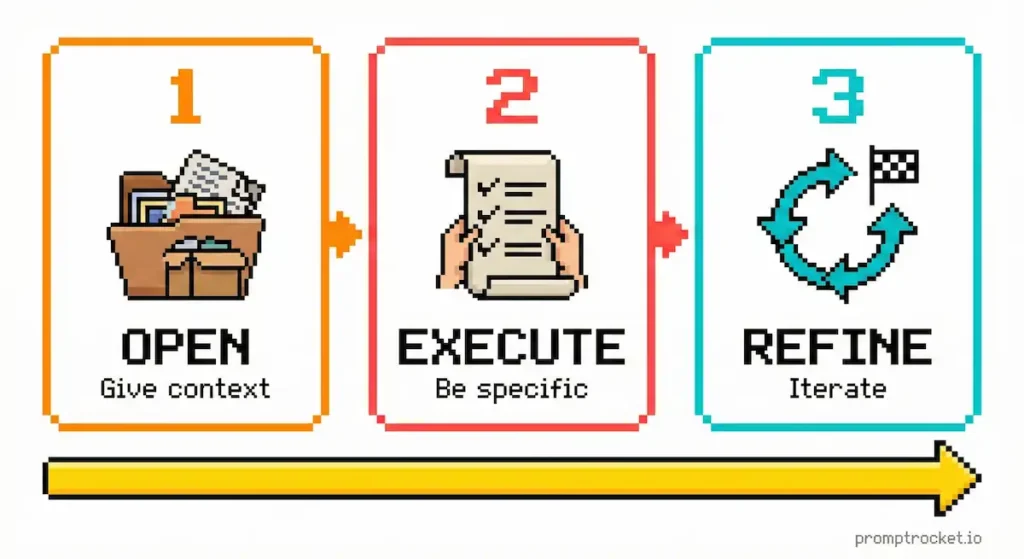
You don’t need 50 different techniques. Here are 4 you can steal and customize.
Framework 1: Basic Structure (Quick Tasks)
Use this for: Fast, straightforward stuff
[TASK]: Write a LinkedIn post [CONTEXT]: For B2B SaaS founders, topic is why companies waste money on paid ads before finding product-market fit [FORMAT]: 3 short paragraphs, under 200 words [TONE]: Provocative but not preachy
Just fill in your details.
Framework 2: Role-Based (When You Need Expertise)
Use this for: Anything that needs a specific perspective
You are a [EXPERT]. [TASK + CONTEXT] [FORMAT AND STYLE]
Example:
You are a senior sales trainer who specializes in SaaS cold outreach.

Write a cold email to CTOs at 50-200 person companies. Goal is to book a demo for our API security platform. Focus on the pain of API vulnerabilities causing breaches.

Format: Under 100 words. Include subject line. Tone: Professional but not stiff. No buzzwords.
The “You are a…” part makes the AI think from that perspective. Works better than you’d expect.
Framework 3: Step-by-Step (Complex Stuff)
Use this for: Anything that needs to be done methodically
[TASK] Do this in these steps: 1. [First thing] 2. [Second thing] 3. [Third thing] [FORMAT AND STYLE]
Example:
Analyze this customer support conversation and find what went wrong.

Do this in these steps:
1. Summarize the customer’s complaint in one sentence
2. Identify where the rep could have de-escalated
3. Rewrite the rep’s responses to be more empathetic
4. Suggest 2 ways to prevent this

Format: Clear sections. Keep it short.
Breaking it into steps keeps the AI from rambling.
Framework 4: Example-Based (Matching a Style)
Use this when: You want it to match something specific
[TASK] Here’s what I want: [PASTE EXAMPLE] Do something like this but for [YOUR THING]. [MORE INSTRUCTIONS]
Example:
Write a tweet thread about why startups fail at customer onboarding.

Here’s the style:
“1/ Most founders think product-market fit means signups. Wrong. It means people actually use it and tell others.

2/ If you have 1000 signups but 50 active users, you don’t have a distribution problem. You have a product problem.

3/ Stop running ads. Fix onboarding.”

Write something like this but about onboarding. Same punchy style. 5-7 tweets.
Showing examples works way better than describing what you want.
7 Tricks That Work
Once you get the basics down, these make a real difference.
1. Tell It What NOT to Do
Constraints help more than you’d think.
- “Don’t use corporate jargon”
- “No fluff. Get to the point.”
- “Avoid clichés like ‘game-changer’”
- “Don’t explain basic stuff”
This keeps it from defaulting to generic nonsense.
2. Ask for Multiple Options
Don’t take the first thing it gives you.
“Give me 3 versions: aggressive, balanced, conservative.”
“Create 5 subject lines, from direct to creative.”
Then mix and match the best parts.
3. Make It Think Step-by-Step
Add this to any prompt where you need reasoning:
“Think through this step-by-step before answering.”
Sounds dumb. Works.
4. Chain Prompts Together
Don’t try to do everything at once. Break it up.
Prompt 1: “Generate 10 blog topics for SaaS marketers.”
Prompt 2: “Take topic #3 and create an outline with 5 sections.”
Prompt 3: “Write the intro from that outline. 200 words, conversational.”
This keeps it focused and gets better results.
5. Feed It Your Own Stuff
The AI doesn’t know your business or your voice. Show it.
- “Here’s our brand voice guide: [paste]. Write social posts like this.”
- “Here are customer testimonials: [paste]. Use these pain points.”
- “This is our product description: [paste]. Now write a headline.”
More context = better output.
6. Refine Instead of Starting Over
Got something close? Just tweak it.
“Make it more conversational.”
“Cut this to 50 words.”
“Rewrite the opening.”
“Remove the last paragraph.”
Small changes work faster than rewriting everything.
7. Save What Works
When you write a prompt that kills it, save it somewhere.
Next time you need something similar, just swap the details. Saves hours.
Tool-Specific Tips
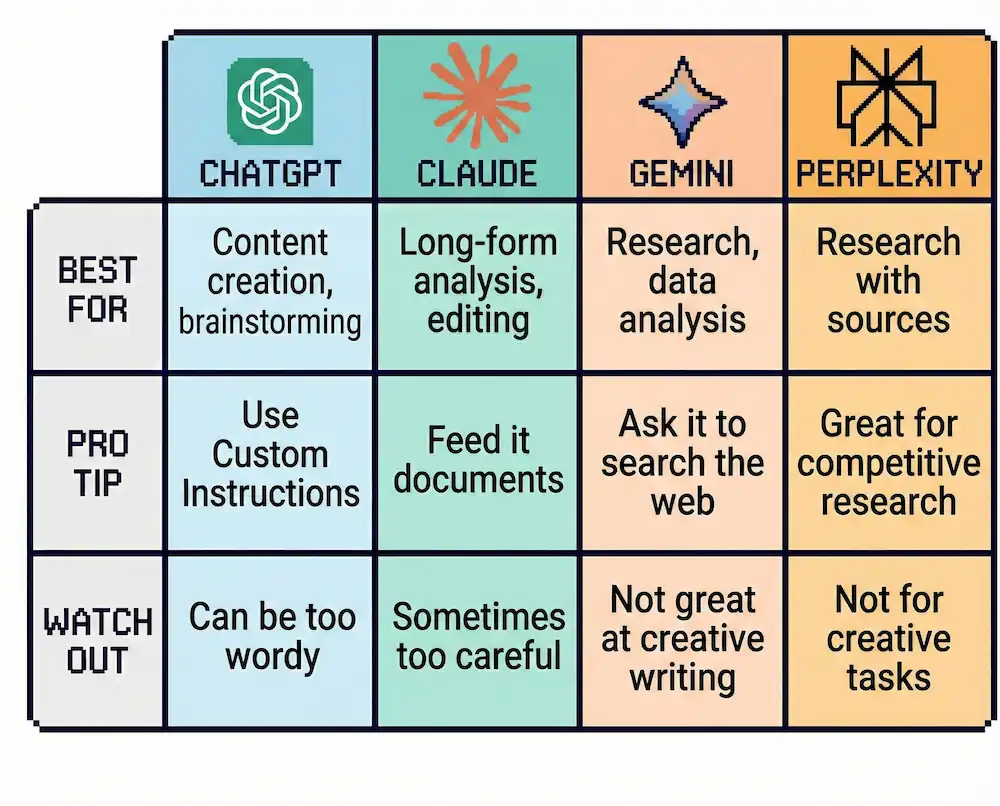
Different AI tools have different strengths. Here’s how to optimize for each:
ChatGPT
- Best for: Content creation, brainstorming, conversational tasks
- Tip: Use Custom Instructions to set your default tone and style so you don’t have to repeat yourself
- Limitation: Can be verbose and over-explain unless you tell it not to
Claude
- Best for: Long-form analysis, editing, nuanced tasks
- Tip: Give it documents to reference and it’ll produce outputs that actually match your style
- Limitation: Sometimes too careful and hedges answers when you want direct opinions
Gemini
- Best for: Research, data analysis, connecting multiple sources
- Tip: It can search the web in real-time, so ask it to verify claims or find recent info
- Limitation: Creative writing isn’t its strong suit compared to ChatGPT or Claude
Perplexity
- Best for: Research with sources, finding specific information
- Tip: Great for competitive research or market analysis since it cites sources
- Limitation: Not ideal for creative or open-ended tasks
Common Mistakes (And How to Fix Them)
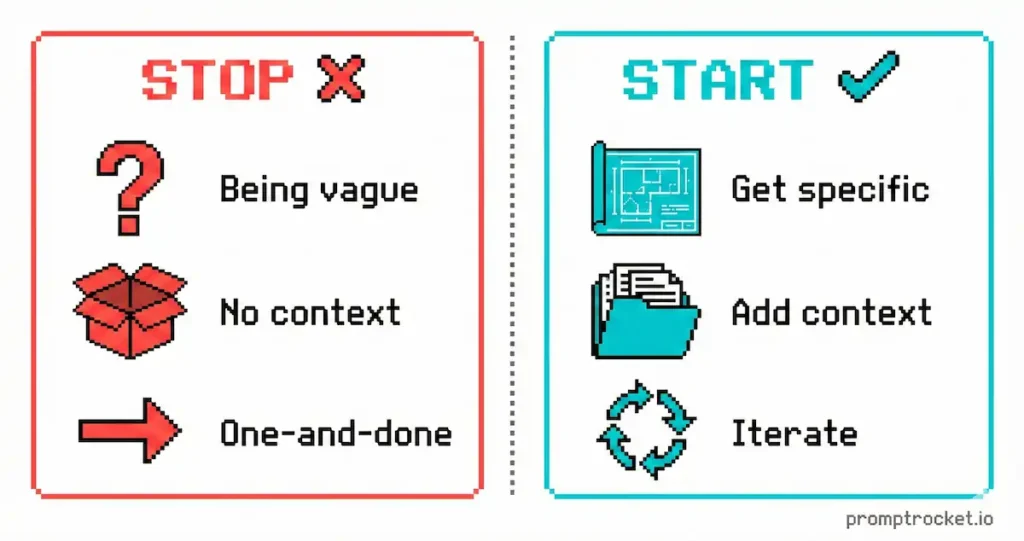
Mistake 1: Being Too Vague
Bad: “Write something about marketing”
Fix: “Write a 500-word LinkedIn article explaining why brand marketing drives more revenue than performance marketing for B2B companies with long sales cycles.”
Mistake 2: Not Specifying Length
Bad: Letting the AI decide how long something should be
Fix: Always specify: “Write this in 100 words” or “Create a 5-minute presentation script”
Mistake 3: Accepting the First Output
Bad: Taking whatever the AI gives you without refining
Fix: Always iterate 2-3 times. “Make this shorter.” “Add more specific examples.” “Rewrite the ending.”
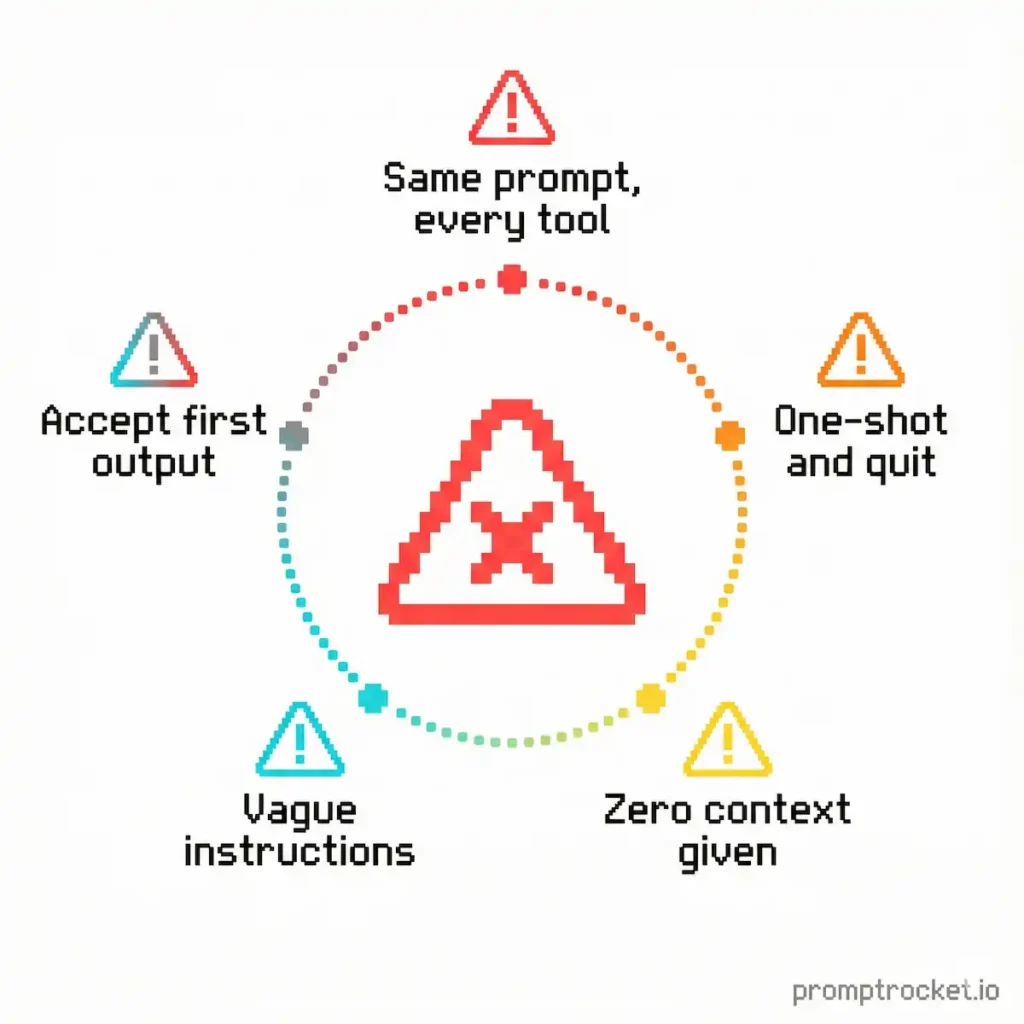
Mistake 4: Not Using Examples
Bad: Describing the style you want in abstract terms
Fix: Show it exactly what you want by pasting an example and saying “do it like this”
Mistake 5: Treating AI Like a Magic Button
Bad: Expecting perfect outputs without any editing
Fix: Use AI to get 80% of the way there, then add your own expertise and personality for the final 20%
That’s It
Good prompts are just specific prompts.
Tell the AI what you want, who it’s for, how it should sound, what format you need. Use the frameworks. Iterate when you need to. Save what works.
Stop fighting with AI and start using it to actually get stuff done.

Browse AI Prompts by Tool
The fundamentals work for every AI model. But each tool has unique strengths, quirks, and optimization techniques. Pick your tool and master the specifics:
Text Generation Models
- ChatGPT Prompt Guide – Master ChatGPT’s context window, function calling, and the “3 Moves” that get results.
- Claude Prompt Guide – Leverage Claude’s superior reasoning, XML structure mastery, and long-document analysis.
- Gemini Prompt Guide – Unlock Gemini’s multimodal capabilities and real-time web access for research-heavy work.
- Grok Prompt Guide – Master Grok’s real-time scanning and meme-generation capabilities for edge-case tasks.
- Perplexity Prompt Guide – Use Perplexity’s real-time data and cited sources for research, fact-checking, and trend analysis.