
New to AI prompting? Start with our complete guide to writing effective AI prompts.
TL;DR
Grok is hardwired into real-time X data. Most people treat it like ChatGPT and get generic garbage.
The ones who win force it to scan live data, filter the noise, and show their receipts. If you’re asking polite questions, you’re wasting the tool.
This guide teaches you how to stop driving like a tourist and actually get actionable intelligence.
Before you read this, understand that it builds on top of the universal principles of how to write AI prompts that don’t suck. Start there if you haven’t. This is Grok-specific strategy on top of those fundamentals.
Stop Using Grok Like It’s ChatGPT
If you’re using Grok to draft professional emails or brainstorm birthday ideas, you’re missing the entire point.
Grok is hardwired into the most chaotic, high-velocity data stream on the planet. It reads tweets in real-time. It sees what’s trending right now. It watches sentiment shift second by second. And you’re asking it to “write grocery lists.”
It’s like buying a flamethrower to light birthday candles.
ChatGPT reads books. Its knowledge is frozen. It has no idea what happened five minutes ago unless you feed it one web page at a time (slowly, badly).
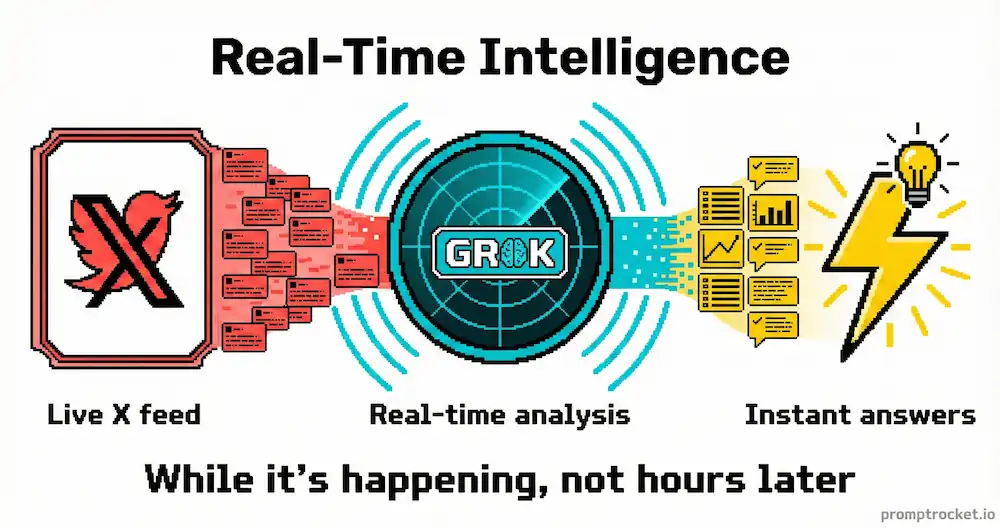
Grok reads the tweet Elon sent 4 seconds ago. It reads the replies. It reads the quote-tweets. It sees the ratio. It accesses the live X API with real-time data streaming in constantly.
If you treat it like a history book, you’re wasting that architecture. You need to treat it like a live radar.
How Grok Works (What Matters)
Grok was built by xAI with a specific directive: have a rebellious streak. It’s supposed to be witty, skeptical, and willing to challenge the noise. It’s built on the Hitchhiker’s Guide to the Galaxy philosophy.
Most LLMs are trained to be eager-to-please sycophants. They apologize when they’re right. They hedge every statement. Grok doesn’t. It will tell you when something is stupid.
This matters because when you ask it to analyze sentiment, you want it to be harsh about the noise, not harsh about the truth. Most AI models smooth over harsh reality because they were trained to be “safe.” Grok’s training actually rewards skepticism, which means it’s better at cutting through BS.
Grok has two modes: Regular and Fun. Regular tries to be factual and straightforward. Fun Mode is looser, punchier, and more willing to flag the posts that other AI models filter out as “unsafe” or “low quality.” Those flagged posts? That’s where the real signal is. When tracking a crypto crash or a PR crisis, the truth is always in the edgy, slang-heavy posts that Regular Mode would ignore.
When you use standard ChatGPT prompting on Grok—stiff, formal, overly structured—you’re misaligning with how it actually works. You trigger the generic assistant routines instead of the Grok-specific optimization. You need to lean into skepticism. You need to ask for receipts. You need to tell it to cut the BS.
The Three Moves
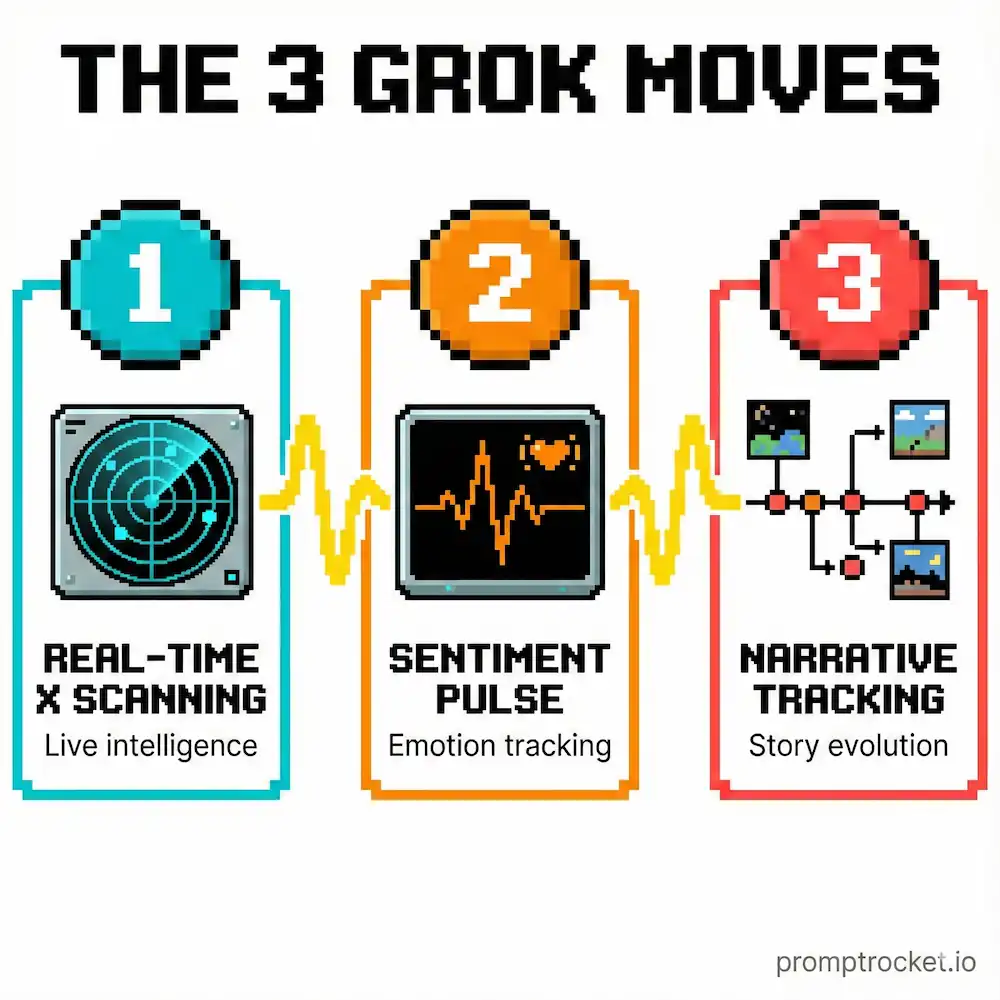
Move 1: Force It to Show Its Work
You never ask for a summary first. You ask for the scan first. You force Grok to use its live API access.
The broken approach: “What’s happening with Bitcoin?” You get back generic Wikipedia-style text. Useless.
The working approach: You tell Grok to scan the X firehose for a specific time window, filter the noise, identify the dominant sentiment, quote actual posts (receipts), and synthesize the narrative.
When you do this, you unlock God Mode. You’re not getting a hallucination. You’re getting a research report based on live data. You’re forcing the model to perform retrieval on the live X database instead of guessing based on what it learned six months ago.
Move 2: Use Data Field Names in Your Prompt
When you use the specific variable names that X data actually uses—like public_metrics, followers_count, reply_count—you’re speaking the model’s native language.
This reduces hallucination because the model attempts to fetch that specific field rather than guessing.
Instead of saying “Find popular tweets,” you say “Identify tweets where reply_count is higher than like_count (The Ratio) to find controversial takes.” That’s a specific mathematical relationship Grok can calculate instantly. “Popular” is subjective. “Reply > Like” is an objective data query.
Move 3: Force Constraints Into Fun Mode
You want the attitude and skepticism of Fun Mode, but you want accuracy. The fix: strict constraints.
You tell Grok: “Be skeptical. Do not sugarcoat. But base every single claim on a timestamped post from the last 24 hours. Include the URL or I’m discarding this.”
This forces the rebellious personality to be rebellious against noise, not against truth. You get the sharp, cutting analysis without the hallucinations.
The Sentiment Radar (Finance / Crypto / Brand)
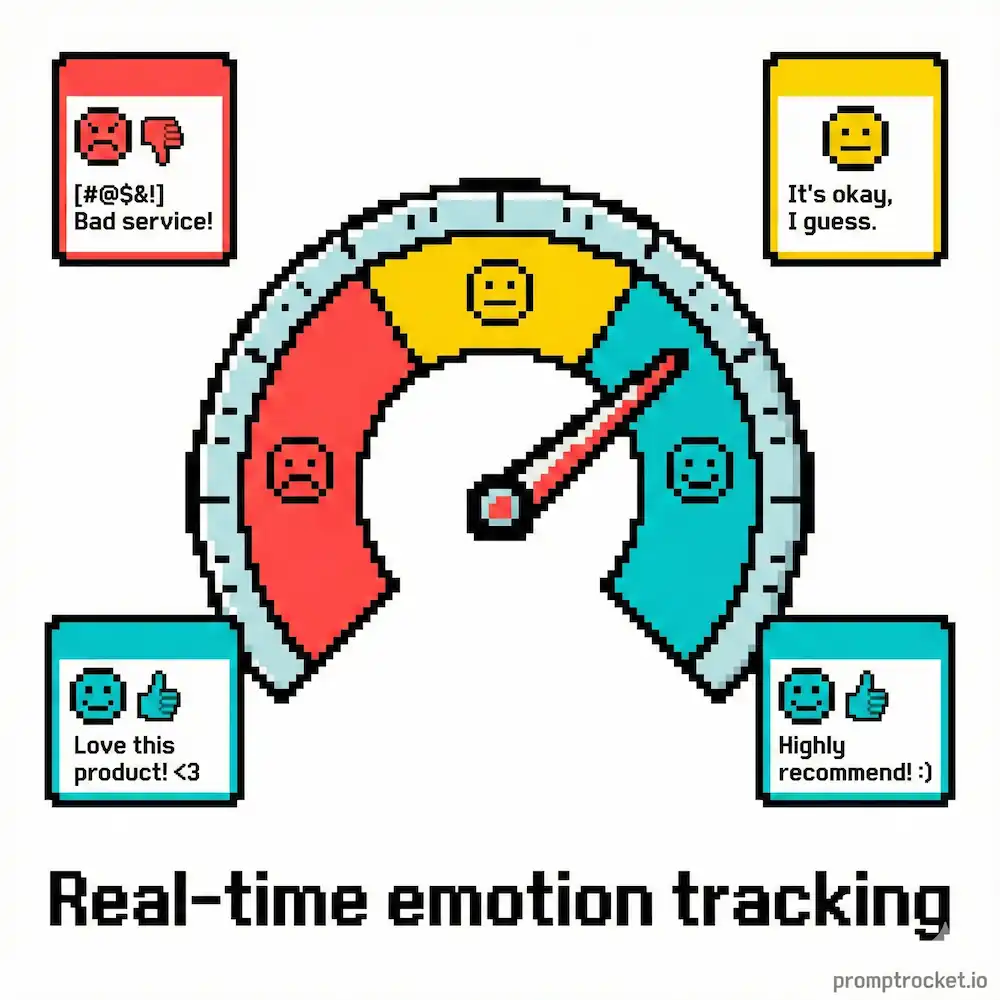
You’re a trader, marketer, or brand manager. You want to know if the internet loves you or hates you before the news articles are written.
The broken approach: “What’s the sentiment for Tesla stock?” You get back “People are mixed.” Useless.
The working approach: Scan the live X data for actual sentiment with filters and categorization.
Context: You are a skeptical, high-frequency trading analyst.
Task: Perform a “Live Pulse Scan” on X for the search term: [KEYWORD/CASHTAG].
Timeframe: LAST 4 HOURS ONLY.
Instructions:
Data Collection: Scan the top 50 most engaged posts containing the cashtag or keyword.
Filter: EXCLUDE accounts with “bot,” “promo,” or “giveaway” in their bio. EXCLUDE posts containing “🚀” or “moon” unless they contain fundamental analysis.
Classification: Categorize the sentiment into three buckets:

Euphoria: Blind hype, no substance.
Fear: Panic selling, hating, FUD.
Signal: Actual news, analysis, or verified leaks.

Quantify: Give me a ratio (e.g., 60% Fear, 40% Signal).
Receipts: Quote 3 specific posts verbatim that represent the dominant narrative. Include the handle and the timestamp.
The Verdict: One sentence. Bullish or Bearish? Don’t hedge. Pick a side based on the data.
Why this works: This exploits Grok’s real-time API access. By asking for “Euphoria” vs “Signal,” you force it to filter out “To the moon!” spam from actual analysis. The “Don’t hedge” instruction overrides the safety training that usually makes it neutral. You get a directional bias, which is what you need to make a decision.
The Narrative Tracker (News / Crisis)
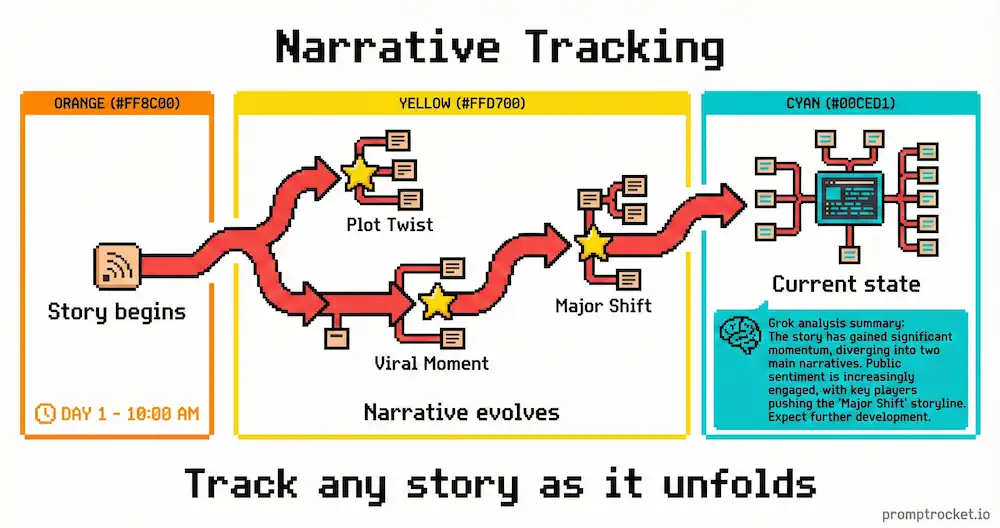
Something is blowing up. An election, a disaster, a product launch. X is 10 seconds ahead of the news, but it’s a mess of lies and rumors. You need to separate fact from fiction.
The broken approach: “What’s happening with the hurricane?” You get generic safety advice and old weather data.
The working approach: Force Grok to build a truth timeline with verified sources vs. rumor mill.
Context: You are an investigative journalist with a low tolerance for rumors.
Task: Construct a “Truth Timeline” for [EVENT NAME].
Timeframe: REAL-TIME (Last 60 minutes).
Instructions:
Identify the Primary Source: Find posts from verified official accounts (police, gov, verified journalists) related to the event.
Identify the Rumor Mill: What is the most viral unverified claim circulating right now? (Look for high retweet counts on unverified accounts).
Cross-Reference: Compare the Official Source vs. The Rumor. Where do they clash?
Output: A bulleted list of CONFIRMED FACTS (with source citation/link) vs. UNCONFIRMED HYPE.
Vibe Check: Is the crowd panicking, making memes, or indifferent?
Constraint: If you cannot verify a claim with a blue-check official source, label it clearly as “SPECULATION.”
Why this works: This forces Grok to distinguish between official accounts and random users. By explicitly asking for the “Rumor Mill,” you acknowledge the noise rather than ignoring it. It stops the model from blending fact and fiction into smoothie; it serves them on separate plates.
The Meme Scanner (Cultural Intelligence)
You want to know what the internet is laughing at so your brand doesn’t look like a boomer. You need to find the format, not just the topic.
The broken approach: “Tell me a joke about AI.” You get “Why did the robot cross the road?” Cringe. Immediate unfollow.
The working approach: Have Grok deconstruct the actual trending meme format and remix it for your use case.
Mode: Fun Mode (Active).
Task: Deconstruct the top trending meme format on X right now.
Instructions:
Scan the “Trending” tab for the US region.
Identify a recurring image format or text structure (e.g., “The masculine urge to…”, “My Roman Empire”, specific Wojak variant).
Explain the Joke: Why is this funny? What is the underlying irony?
Remix: Create 3 variations of this meme format applied to [YOUR TOPIC]. Make them snarky.
Visual: Describe the image I should generate to match this trend.
Warning: If you use a pun, I will delete you.
Why this works: This activates Fun Mode’s personality. It asks for pattern recognition (recurring image format) rather than content generation. The “Explain the Joke” step forces the model to articulate context before generating content, which drastically improves quality. And the threat at the end adds a negative constraint that aligns with the rebellious persona, often resulting in sharper wit.
When Grok Breaks
It’s stuck in a time warp: Grok prioritizes its training data over the live feed. Fix: Add “TODAY’S DATE:” to the top of your prompt. Force temporal grounding.
It’s being polite: You said “Please.” That signals subservient user. Fix: Be imperative. “Scan.” “List.” “Identify.” Command the model, don’t ask.
It’s hallucinating: Grok will invent tweets from @Apple if you aren’t careful. Fix: Always demand the URL. “Quote verbatim. Include the URL. If you can’t generate a URL, it’s fake.”
Context is fighting you: If you’ve been asking about cookie recipes in the chat history, it’s primed for domestic advice. Fix: Always start a new chat for a new task. Clear the context window.
The API is overloaded: During massive events, the firehose is so full that Grok might lag. Fix: Narrow your search. Instead of “What is happening in the election?”, ask “What is the vote count in Pennsylvania in the last 10 minutes?”
The Bot Filter (Critical)
X is infested with “Crypto Moon” bots and spam.
If you prompt: “What are people saying about $SOL?” without filtering, Grok sees 10,000 “BUY SOL! MOON! 🔥” posts and concludes sentiment is overwhelmingly positive.
Wrong. You must include negative constraints in every scan prompt:
“Filter out accounts with less than 100 followers. Filter out duplicate text strings. Filter out posts containing ‘🚀’ or ‘DM for promo’.”
You have to be the janitor. Clean the floor before you let Grok dance on it. If you don’t filter the noise, you aren’t analyzing sentiment; you’re analyzing bot-net spend.
The Privacy Reality
Grok can see X data in real-time if you have Premium+. It accesses live APIs that free accounts don’t touch. This means it can track sentiment, trends, and narratives as they’re happening.
Your prompts and queries are logged. Use Grok for market research, not for sharing sensitive personal information.
Grok-2 vs. Grok-3
Grok-2: Your daily driver. Strong, capable, good at images.
Grok-3: The beast. Massive reasoning capabilities, larger context window. Use for complex analysis. If you have Premium+, use Grok-3.
Grok Mini: Fast and cheap but dumber. Use for simple summarization of a single thread. Never for a full market scan. It will hallucinate.
The Final Move
You have the keys. You know the engine. You know the God Mode prompts.
Stop asking Grok to write poems. Start asking it to scan the horizon.
The world is moving fast. Grok is the only tool that can keep up—but only if you drive it like you stole it.
Now go fix your prompts.
Related Prompt Guides
- Perplexity Prompt Guide: Stop treating Perplexity like Google. Master dual-line prompting, source filtering, and hallucinatio…
- Gemini Prompt Guide: Stop wasting time typing prompts into Gemini. Master the Multimodal Bridge, upload files instead of …